 Microsoft Power Apps: the smart shortcut to digital transformation for SMEs" loading="lazy">
Microsoft Power Apps: the smart shortcut to digital transformation for SMEs
Introduction
More and more small and medium-sized businesses are asking, “What exactly is Power Apps?” and how it can help them digitize their processes.
The answer is simple: Power Apps allows you to turn Excel spreadsheets, paper forms, and email-based procedures into custom business applications, without building complex software from scratch.
Digitalizing processes does not mean launching a massive IT project. It means solving real problems quickly and flexibly.
Key takeaway
Power Apps is a smart shortcut to digitalization for SMBs because it helps turn everyday manual workflows into simple, useful, and scalable business apps.
TL;DR
- Power Apps is a Microsoft low-code platform.
- It lets you build business apps without writing code.
- It integrates with Excel, SharePoint, Microsoft 365, Dynamics, and databases.
- It is ideal for SMBs that want fast, sustainable digitalization.
What is Power Apps
When you search online for “what is Power Apps” or “Microsoft Power Apps”, you’ll often find very technical definitions. In reality, Power Apps is a Microsoft low-code platform that allows you to create business applications using a visual interface.
It works with the data you already have: Excel, SharePoint, Microsoft 365, Dynamics 365, SQL databases, and many other connectors. Instead of manually updating files or exchanging endless emails, you can use an app that securely collects, validates, and organizes information.
In short: Power Apps enables low-code app development and brings your company’s key processes directly to smartphones, tablets, and everyday business tools.
You can also explore Esobit’s service dedicated to Microsoft Power Apps development.
Why Microsoft Power Apps is perfect for SMBs
For SMBs, time is the most valuable resource. Repetitive tasks, duplicated data, and approvals stuck in inboxes all slow down growth. Microsoft Power Apps is designed to remove these bottlenecks and quickly digitize workflows.
Thanks to its low-code nature, you don’t need to be a developer. Department managers and IT teams can build useful solutions with lower costs than traditional development, while keeping the flexibility to evolve apps over time.
Integration with Power Automate and Business Intelligence allows you to move from a simple Excel file to a complete digital workflow, from data collection to reporting and insights.
Real benefits for SMBs
- Less manual work and fewer duplicated activities.
- More control over requests, approvals, and operational flows.
- Better data quality and fewer errors.
- Faster adoption compared to large custom software projects.
- Greater flexibility to improve the app over time.
Practical Power Apps examples for your business
Power Apps is useful when a company wants to digitize a specific process without immediately starting a large software development project. Here are some typical scenarios.
Vacation and leave requests
Employees submit requests via smartphone, managers approve with one click, and data stays up to date without scattered emails or manual files.
Inventory management
Stock movements and availability can be tracked from tablets, with history, barcode scanning, and more consistent data.
Customer support
A ticketing app centralizes requests, assigns tasks, and makes performance measurable, reducing confusion and improving response times.
The goal is not “having one more app”, but creating tailored business apps that reduce errors, save time, and increase process control.
How to get started with Power Apps in your SMB
The best way to begin is not with a massive project, but with a clear, simple need: a form to digitize, a slow internal procedure, or an Excel file that no longer scales.
Build a first version of the app, test it with a small group of users, and improve it through feedback. This approach delivers quick wins, reduces resistance to change, and accelerates adoption.
- Choose one process that wastes time or creates repeated errors.
- Define the data that must be collected, validated, and tracked.
- Clarify roles and approvals, so the app reflects the real workflow.
- Create a first version and test it with a small group of users.
- Improve and integrate the app with tools such as SharePoint, Microsoft 365, Power Automate, or Dynamics 365.
A good first Power Apps project should be small enough to start quickly and useful enough to show a real improvement in daily work.
Why it matters
Power Apps matters because many SMB processes are too important to remain in Excel, but not always complex enough to justify a full custom software project from the start.
It fills the gap between generic tools and structured business systems, helping companies digitize specific workflows with rules, roles, traceability, and integration.
Attention
Power Apps works best when the process is clear. If the workflow is confusing, building an app around it may simply make the confusion faster and more digital.
Want to find out if Power Apps is right for your company?
We can analyze your processes and show you how to turn them into fast, flexible, tailor-made digital solutions for your SMB.
Frequently asked questions
What is Microsoft Power Apps?
Power Apps is a Microsoft low-code platform that allows companies to create business applications through a visual interface, using data from tools such as Excel, SharePoint, Microsoft 365, Dynamics 365, and databases.
Do you need to be a developer to use Power Apps?
Not necessarily. Power Apps is designed to simplify app creation, but for more structured business applications it is still important to define data, permissions, workflows, and integrations correctly.
What processes can be digitized with Power Apps?
Typical examples include vacation requests, inventory management, customer support, internal approvals, checklists, data collection, and operational workflows.
Can Power Apps integrate with Microsoft 365?
Yes. Power Apps can integrate with Microsoft 365 tools such as SharePoint, Teams, Outlook, Excel, and Power Automate, as well as Dynamics 365 and other data sources.
How Esobit can help
Esobit supports SMBs in moving from initial curiosity about Power Apps to real, tangible process digitalization projects.
We analyze your needs, design simple and scalable solutions, integrate Power Apps with the tools you already use, and train your team to ensure long-term autonomy.
Our approach starts from the process, not from the app: we identify where time is lost, which data needs to be structured, which approvals should be automated, and which integrations can make the workflow more useful.
You can explore related solutions such as Microsoft Power Apps development, Microsoft Power Automate, Business Intelligence, and Esobit business solutions.

Read more:
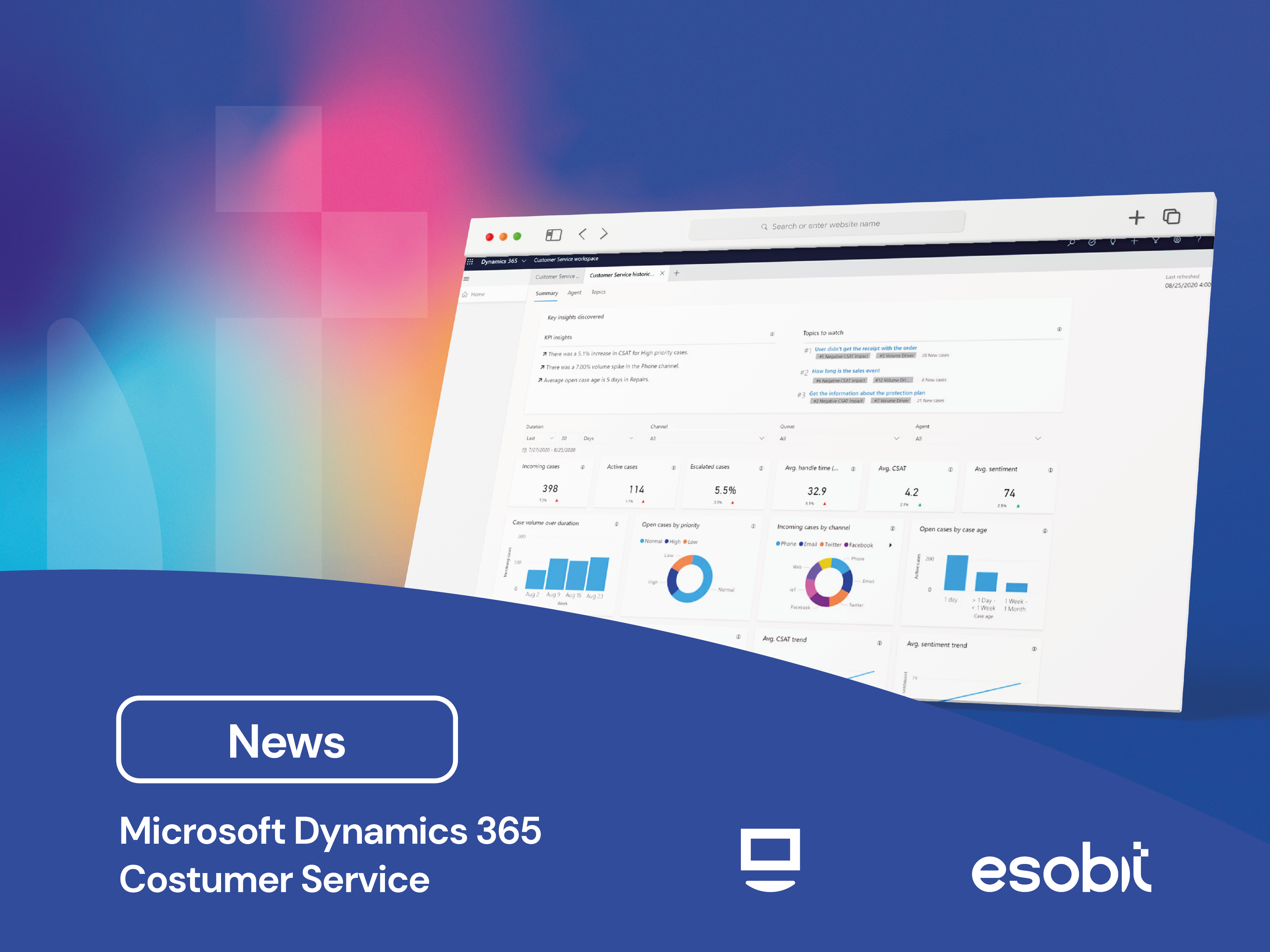
Customer service automation: how to increase productivity and reduce costs with Dynamics 365
Discover more
Device control: what it is, how it works, and why it is important for data protection
Discover more



Need help choosing the right set of Power Apps?
As a certified Microsoft partner, Esobit can help you step by step in your digital transition.
Ask us